Two camera views.
One unit.
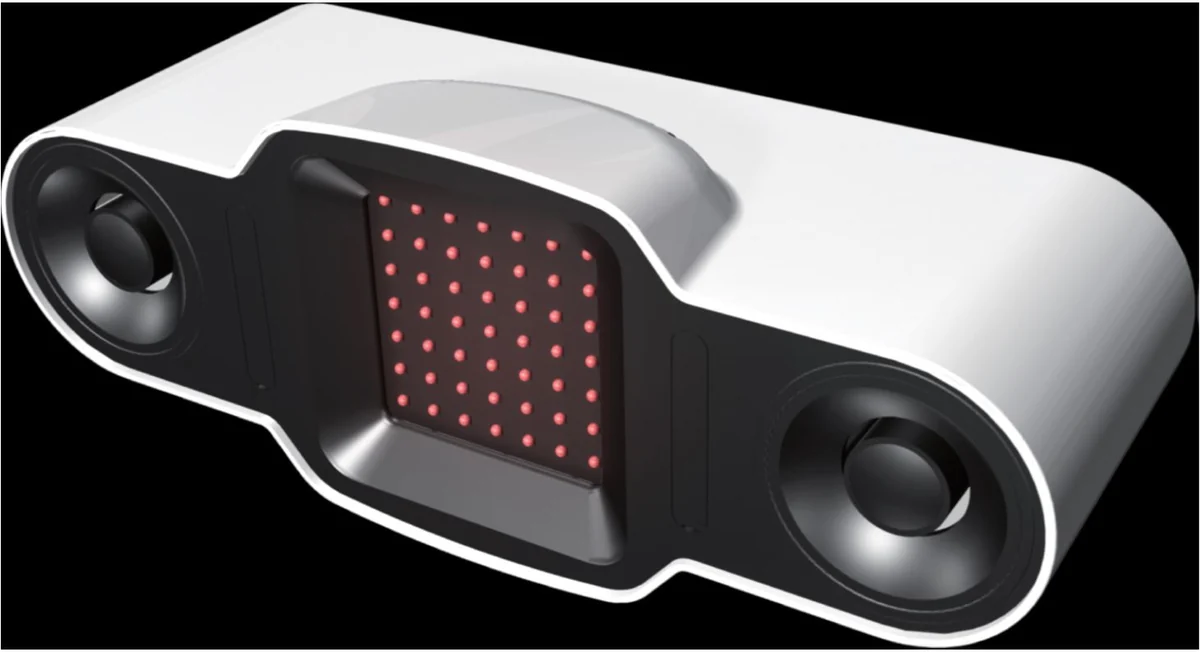
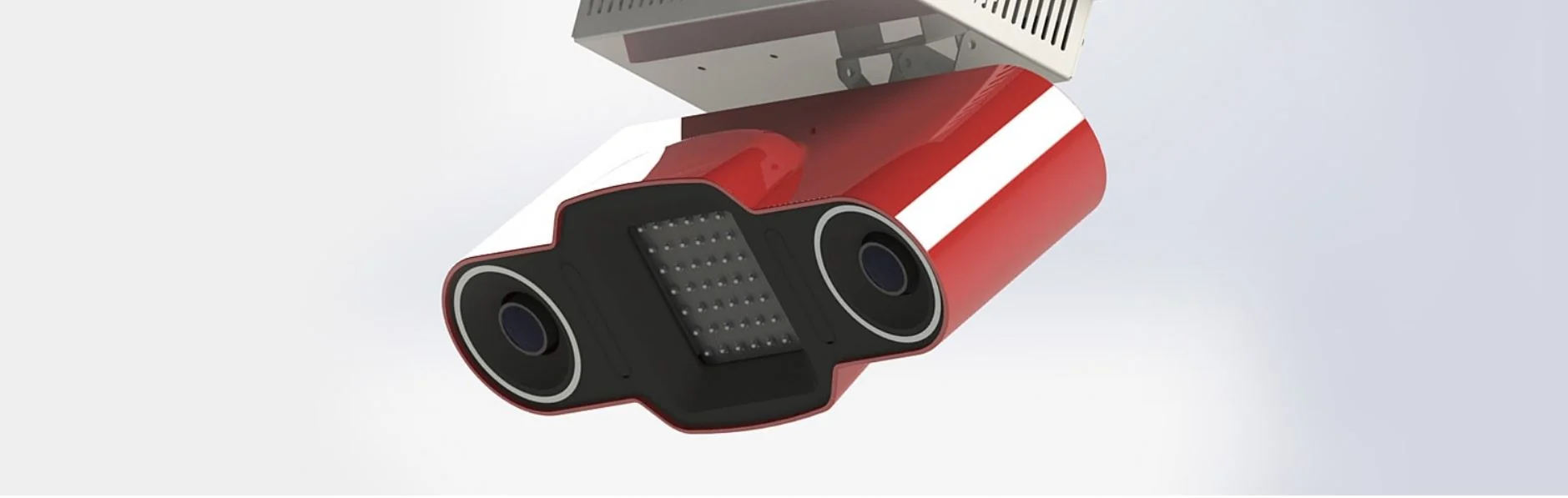
A high-speed dual-camera system forms the core of the BRAVO simulator.

BRAVO / OVERHEAD DUAL-CAMERA SENSOR
Two cameras. One overhead unit.
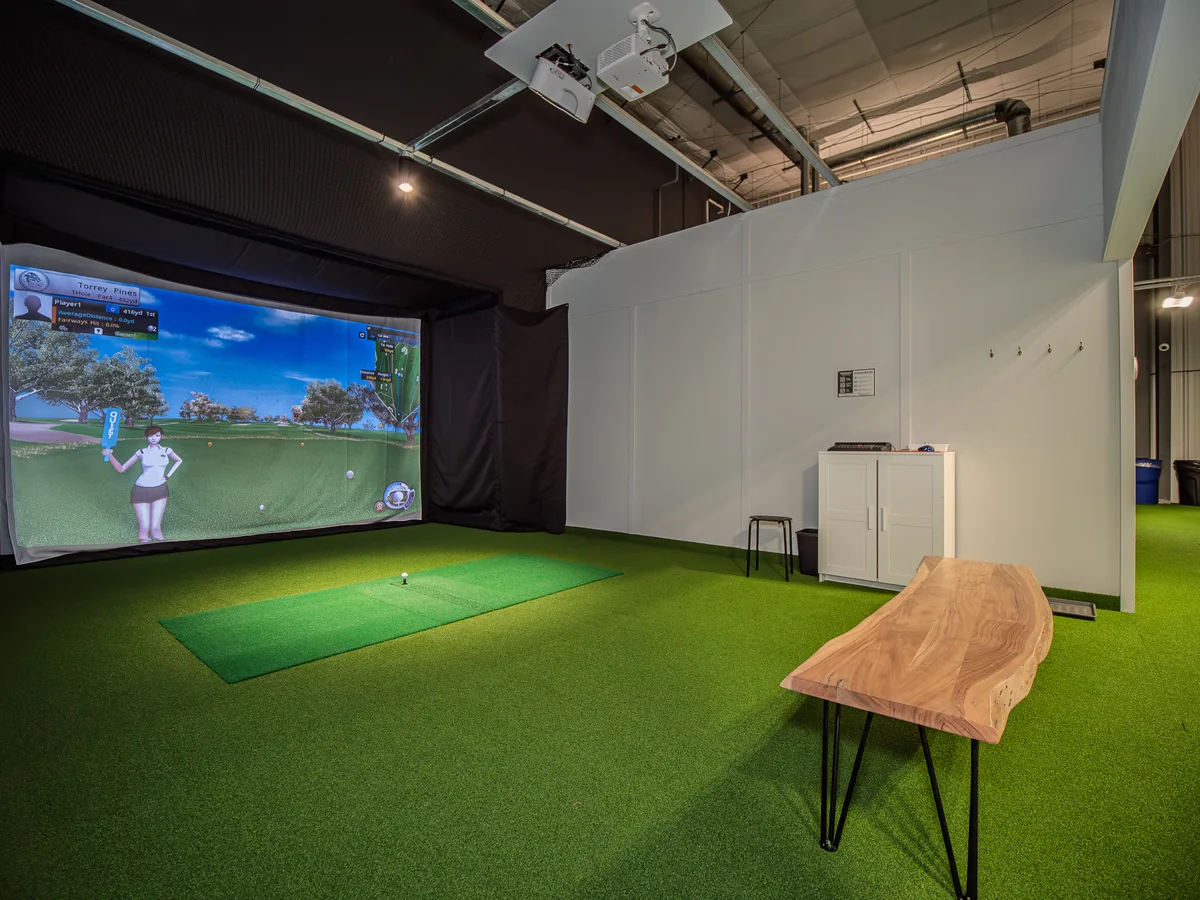
The sensor at the heart of your indoor golf setup. High-speed dual cameras in a single overhead unit, for a golf space planned around you.
Overhead dual-camera sensing
Virtual golf and on-screen shot feedback
Unit-only or complete project enquiries
The sensor is the product shown. Software, accessories and additional room equipment are confirmed in your written quotation.
ONE PRODUCT. A CLEAR STARTING POINT.
The sensor, the software and the room work together. Start with the Bravo Two Vision, then plan the equipment around it.
A high-speed dual-camera system forms the core of the BRAVO simulator.
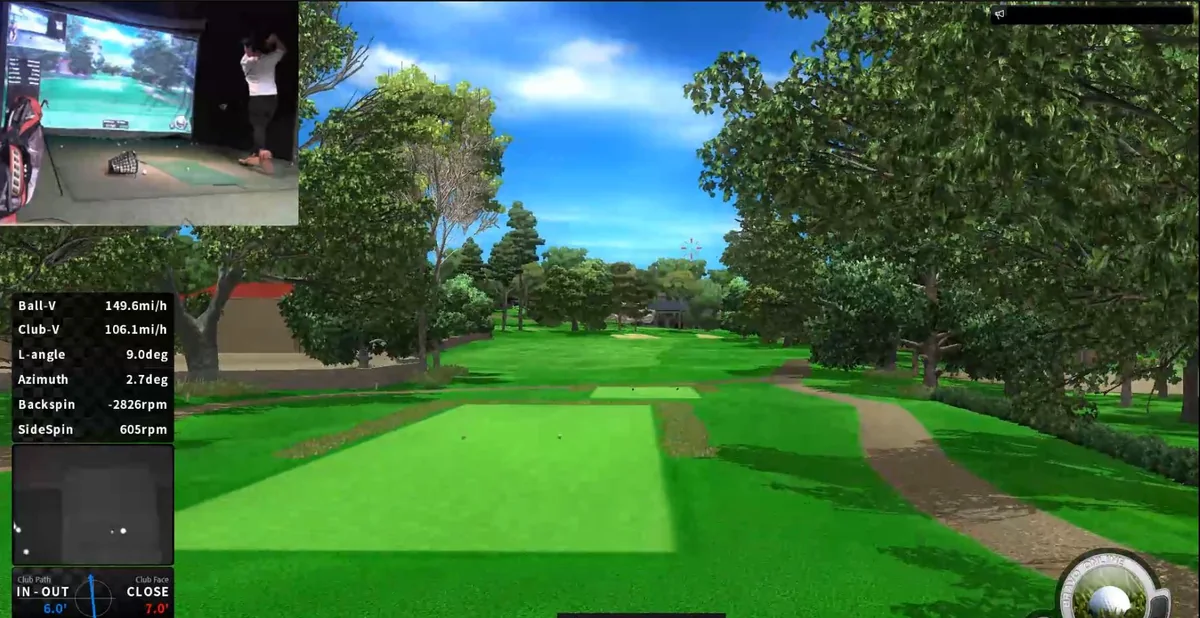
Review shot information and the club-path images available in the software configuration.
Pair the sensor with BRAVO simulation software for practice sessions and virtual course play.
THE SOFTWARE EXPERIENCE
Explore virtual course views and on-screen shot feedback, from the tee to your next approach.
Illustrative course graphics. Preview of an upcoming software update.
Screens shown include previews of upcoming software updates. Available visuals and features depend on the installed software version and are confirmed with your enquiry. Swing-video features require compatible additional cameras.
FROM SHOT TO SCREEN
Bring course play and shot feedback into the same session. The example screen combines a virtual course with data overlays and an optional swing-video view.
Plan your golf spaceDisplayed data fields are not a specification or accuracy claim. Software configuration and any motion cameras are confirmed before ordering.
THE UNIT AND THE ROOM ARE DIFFERENT
Whether you need the Bravo Two Vision itself or help planning a complete room, the quotation should make the scope clear.
01 / THE PRODUCT
Start with the single dual-camera product featured on this page.
02 / THE INSTALLATION
Plan the additional equipment and work your room needs.
Room equipment, furnishings and site work are not implied to be included with the sensor unit. Only the items and services listed in your written quotation are included.
BEFORE YOU CHOOSE
This page presents the Bravo Two Vision. Tell us whether you need the product itself or help planning compatible room equipment. Your written quotation identifies the supplied items, software, installation and service terms.
No. The two cameras inside the sensor are used for sensing. Compatible swing-motion cameras are separate equipment used for swing video and replay. Any supply and support for these cameras must be confirmed in your quotation.
Send the details of your computer, projector, screen and available space. Compatibility and the installation plan need to be reviewed before you order.
Use the product enquiry button and tell us your intended use, location and whether you need the unit or a complete setup. We will confirm the relevant model, configuration and quotation details.
The screenshots include current examples and previews of upcoming updates. The software version, available visuals and features supplied with your configuration are confirmed in your quotation.
LET'S TALK ABOUT THE PRODUCT
Tell us what you need. We will help define the right next step.